Home Networking
We help create fast, stable home networks that keep your family connected. From relocating your internet to full home network installations, we plan the wiring, place the equipment and tune the wireless for reliable coverage.
- Registered cablers
- 10+ years' experience
- South East Queensland coverage
- Free, no-obligation quotes
We cover the whole of South East Queensland, with most work across our Brisbane service area and data cabling on the Gold Coast.
Recent CoreComms Projects
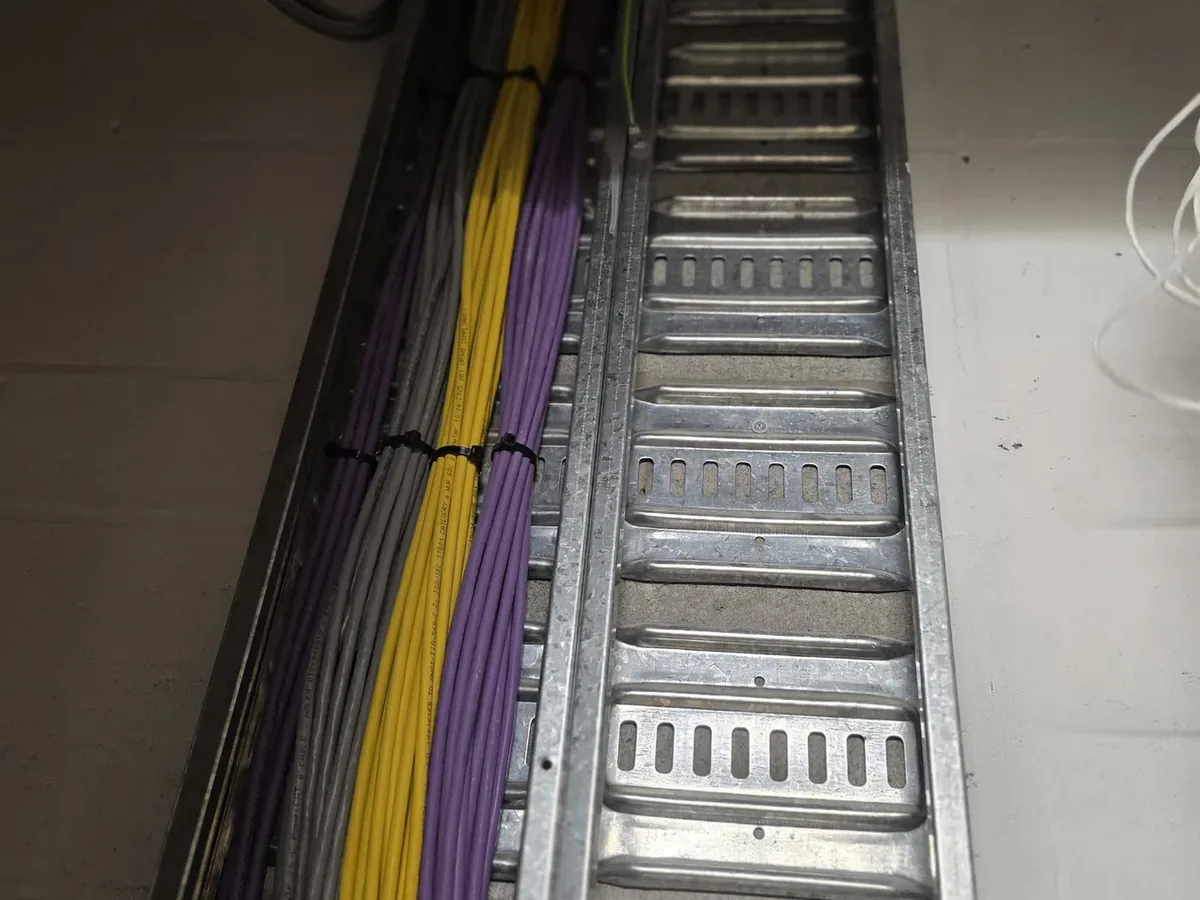
These photographs show genuine telecommunications and network installations completed by CoreComms. Customer details and site identifiers are never shown.
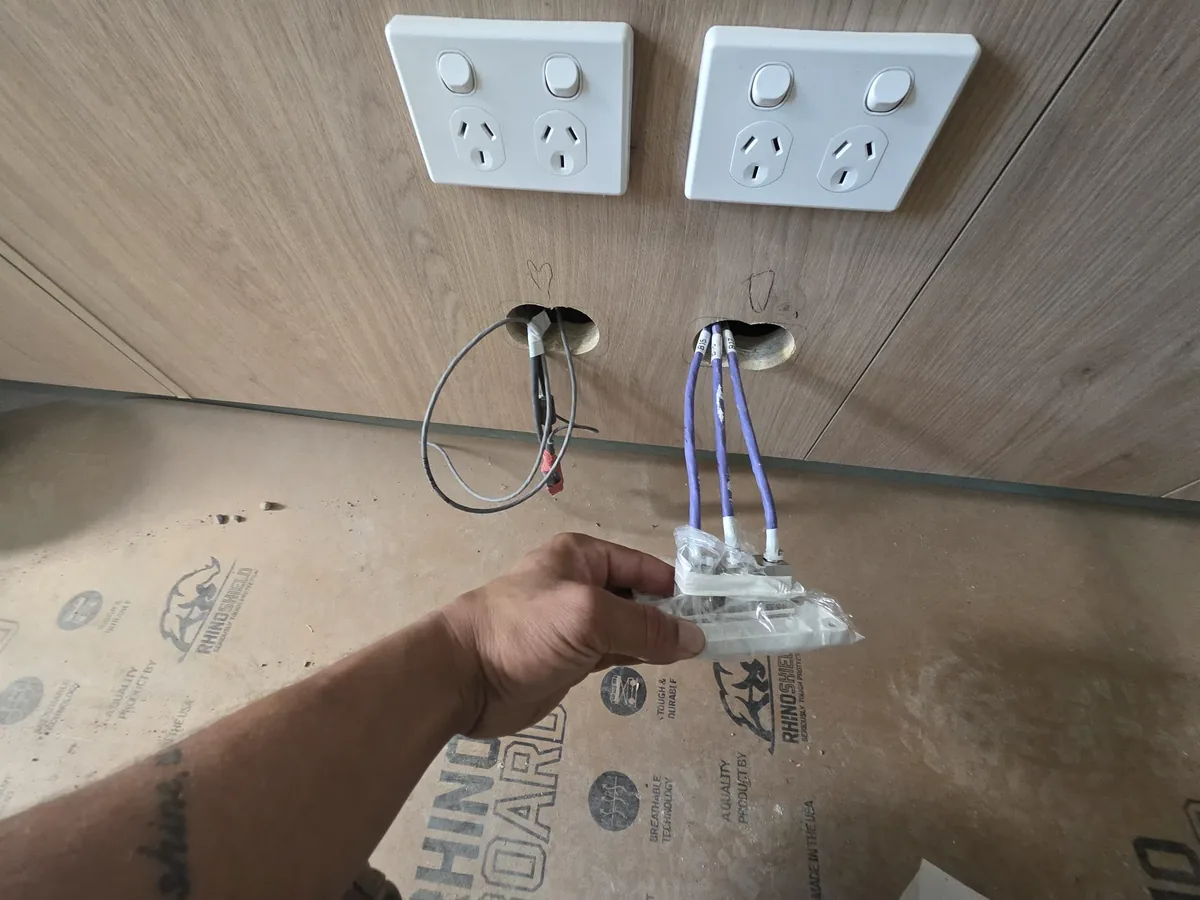
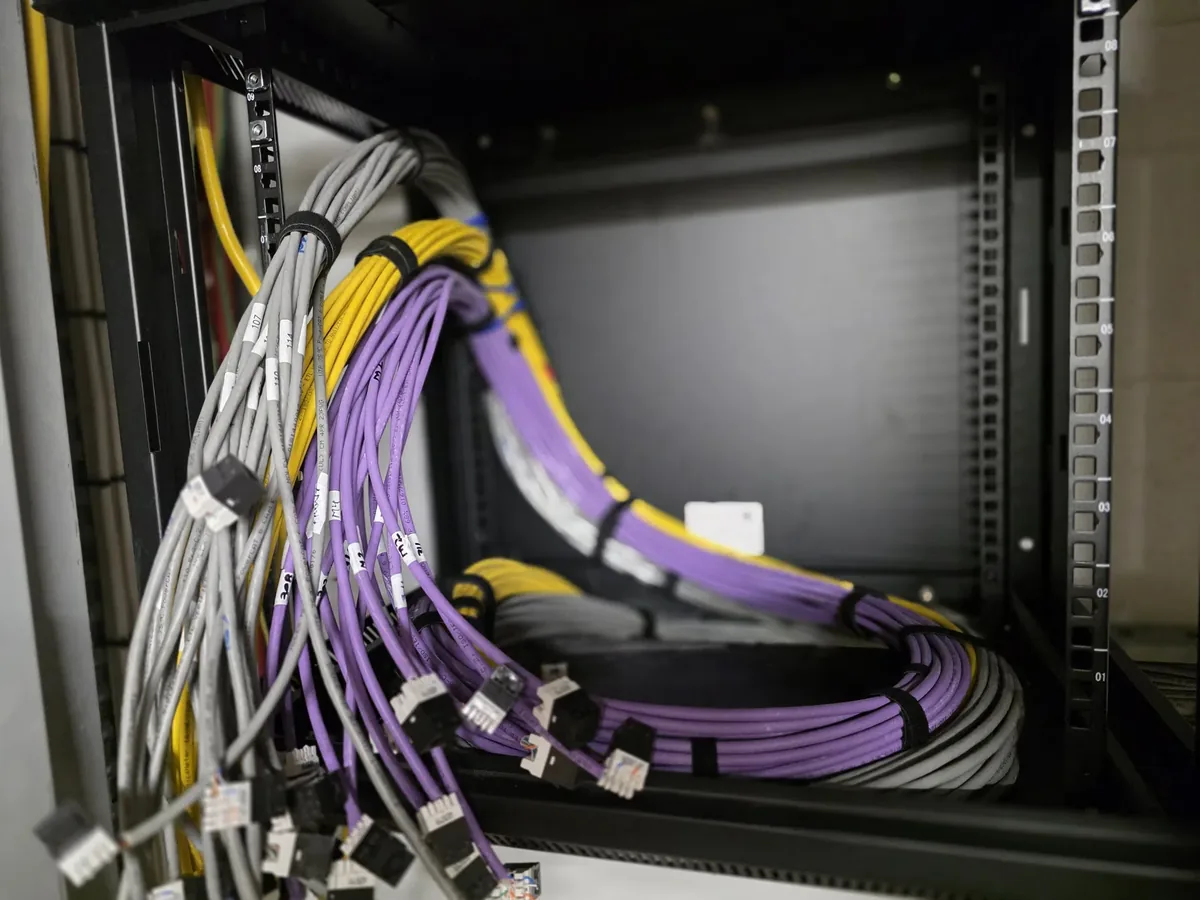 Network infrastructure
Network rack and patching installation — commercial premises
Small business networking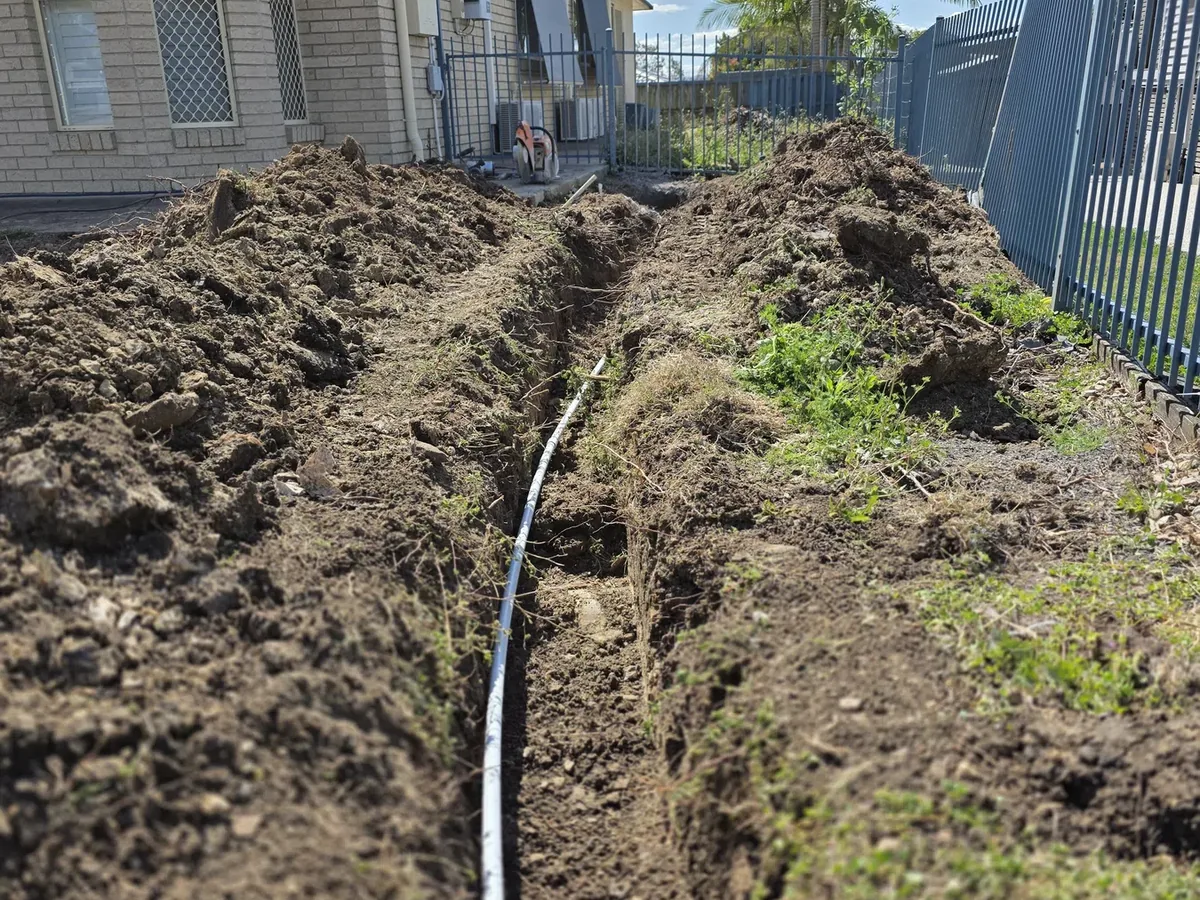 Underground conduit
Underground telecommunications conduit installation
Underground trenching and conduit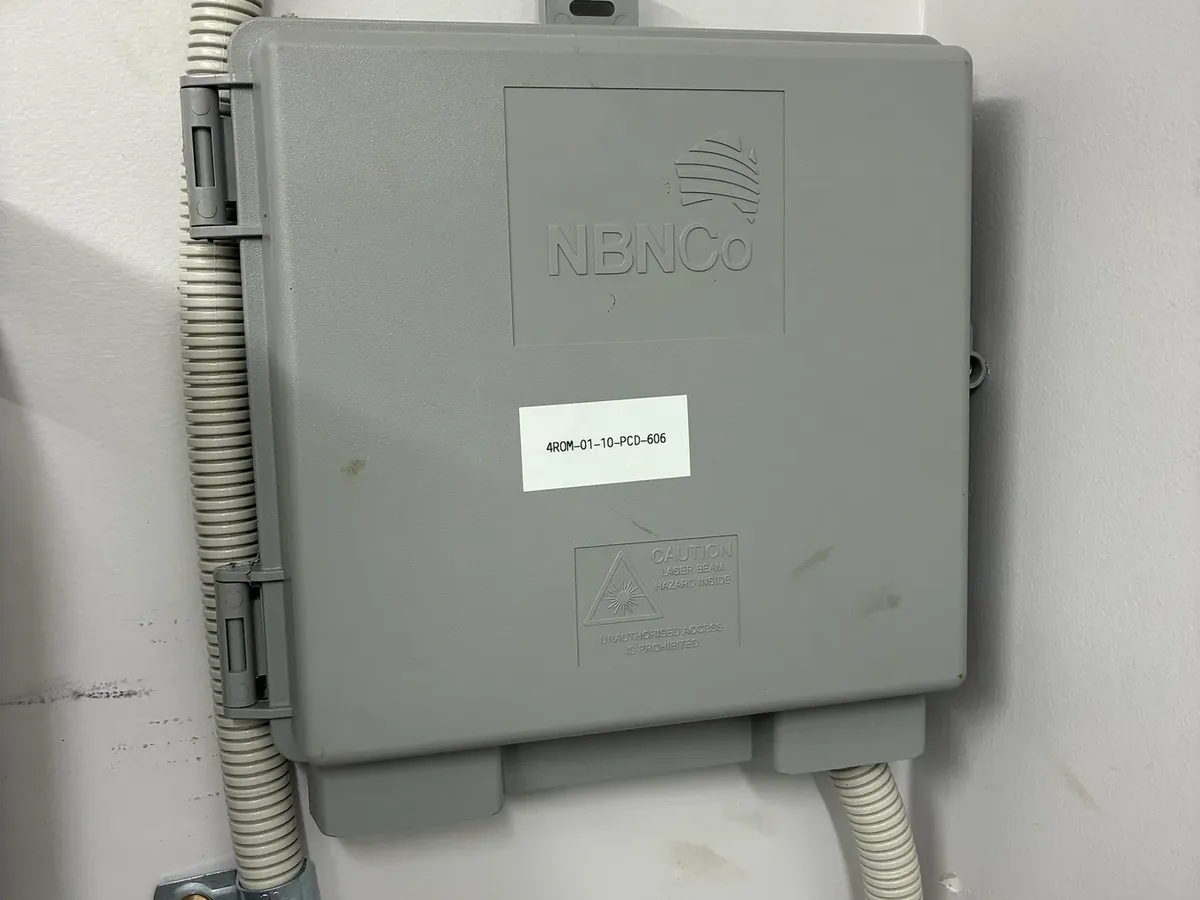 NBN relocation
NBN internal cabling and relocation work — South East Queensland
NBN relocation services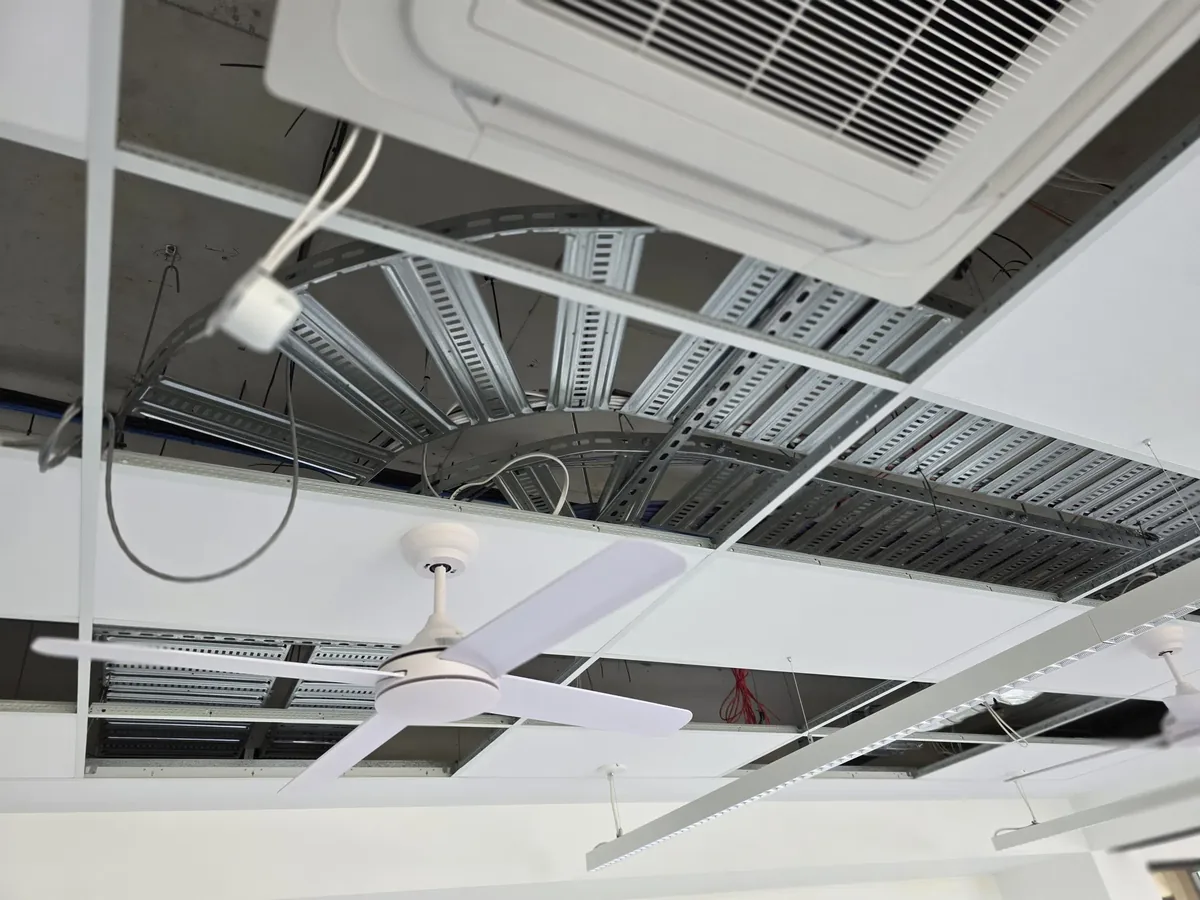
A simple, transparent process
- 01Get in touch
Call or request a quote online.
- 02Site check
Free phone consult or brief site visit.
- 03Fixed quote
Written quote — no surprises.
- 04Installed & tested
Delivered, tested, documented.
What this service is
A home network installation ties together your NBN service, modem, router, Wi-Fi and wired points into something that just works. We plan the layout, run cabling where it makes sense and configure the equipment so every room is covered.
Problems it solves
- Wi-Fi drops out in certain rooms or upstairs
- Streaming, video calls or gaming lag on wireless
- The router is buried in a cupboard with poor coverage
- Mesh nodes have been added but performance is still inconsistent
What you need to know before you book
Why home Wi-Fi fails — and what actually fixes it
Almost every Wi-Fi complaint traces back to one of four things: the router is in the wrong place, the building materials are blocking the signal, too many devices are competing for the same airtime, or a wireless extender is halving throughput because it has no wired path back to the router. Buying a faster router rarely fixes any of them, which is why so many households end up with an expensive device and the same dead zone in the back bedroom.
The reliable fix is boring and permanent: put the router in a sensible central position, run cable to the places where coverage is weak, and mount proper access points there. Devices that do not move — TVs, consoles, desktops, NVRs, printers — get plugged in, which frees the wireless spectrum for the phones, tablets and laptops that genuinely need it.
Mesh versus wired access points in Australian homes
Mesh systems are a genuine improvement over old-style repeaters and they suit properties where cabling is impractical. But every wireless mesh node spends part of its capacity talking back to the main unit, so throughput drops with each hop. In a double-brick or rendered-block Queensland home with foil-backed insulation, that penalty is severe.
Wired access points remove the penalty entirely. Each one gets its own Ethernet run, so it delivers full performance and hands devices between units cleanly as you move through the house. Where cabling to every location is not possible, a hybrid works well: cable the two or three hardest spots and let mesh cover the remainder.
- Single-storey home under about 15 squares — a well-placed router may be enough
- Two-storey or long single-storey — one wired access point upstairs or at the far end
- Outdoor areas, pools, sheds and granny flats — a dedicated external-rated access point
- Home offices and gaming rooms — a wired data point beats any wireless option
Working from home, smart homes and future-proofing
A home network now carries video calls, cloud backups, smart-home hubs, doorbells, cameras, streaming and school work simultaneously. A wired point at the desk turns a call that stutters into one that does not, and it removes the single most common cause of 'my internet is bad' complaints during work hours.
If you are building or renovating, running a few extra cables while the ceiling is open costs a fraction of retrofitting later. We usually suggest cabling the TV wall, the study, one central ceiling position for an access point and the meter or comms cupboard, even if you do not use every point on day one.
Tired of dead zones, dropouts and buffering in the back rooms?
Call for a straight answer, or send the details and we'll come back with a written fixed quote.
Why customers trust CoreComms with this work
We have designed and installed home networks across every common South East Queensland housing type — raised Queenslanders, brick-and-tile, rendered block, new-estate double-storey and acreage properties — so recommendations are based on how the building actually behaves, not a generic product sheet.
- Coverage assessed against the floor plan and construction type before quoting
- Wired backhaul preferred wherever cabling is practical
- Access points mounted in positions chosen for coverage, not convenience
- Cabling installed by a registered cabler and tested at each outlet
- Equipment configured and coverage verified before we leave site
Where this service fits
Residential
- • Whole-home Wi-Fi coverage using a mesh system or wired access points
- • Relocating the modem into a better central position
- • Adding data points for a smart TV, home office or gaming setup
- • Setting up a home office with a wired connection back to the modem
Business
- • Home-based businesses that need a reliable wired link to a workstation, POS or phone
What CoreComms can install, relocate, test or repair
- Whole-home network design and installation
- Modem and router relocation
- Mesh Wi-Fi and wired access point installations
- Ethernet data points to key rooms
- Wireless coverage testing and optimisation
Work performed or supervised by a registered cabler.
Preparing for a quote
What to prepare
- • A rough floor plan or the property address so we can gauge size
- • Where the NBN box currently lives
- • The rooms where Wi-Fi is weakest and the rooms where wired points would help
- • Whether you want to keep your existing modem/router or upgrade
Factors that affect the quote
- • Property size, number of storeys and construction (brick vs timber vs double brick)
- • Number of wired points and access points required
- • Whether cabling can run through the roof space or needs surface conduit
- • Whether you want a mesh system or a wired access point setup
Enquiry, inspection, installation
- Step 01Enquiry
Call us on 07 3130 0441 or send the quote form. Share the address, what you're trying to achieve and any photos of the current setup — this saves time on the site check.
- Step 02Assessment
For simple jobs we can quote from a phone consult. For anything with cable routes, wall types or trenching involved we prefer a brief on-site inspection so the quote is accurate.
- Step 03Written quote
You'll get a clear written quote covering scope, materials and any assumptions. We'll confirm availability and expected timing when you enquire.
- Step 04Installation and testing
Work is completed by a registered cabler, tested at the outlet and labelled where relevant. Cable routes are kept tidy and the work area cleaned up.
South East Queensland coverage
We work across South East Queensland — Brisbane, Gold Coast, Logan, Ipswich and Toowoomba, plus the surrounding suburbs. Travel is included in the written quote so there are no surprises.
Book this service in your area
Residential and small business telecommunications across greater Brisbane — from the CBD to the outer suburbs.
Reliable telecommunications from Coomera to Coolangatta.
Trusted local telecommunications across the City of Logan.
Practical service across Ipswich and the western corridor.
Cabling, networking and fault finding for homes and businesses across Toowoomba and the surrounding region.
Frequently asked questions
How many Wi-Fi access points does a house need?+
Most single-storey homes need one well-placed unit; most double-storey homes need two. Large, long or heavily built homes may need three. We size it from the floor plan and construction rather than guessing from floor area alone.
Can you improve my Wi-Fi without running cables?+
Sometimes — repositioning the router, changing channels and adjusting band settings can help. But if there is a genuine dead zone caused by building materials, a wired access point is the only fix that holds up under load.
Do I have to replace my existing modem or router?+
Not necessarily. We will work with what you have where it is capable, and tell you plainly if the hardware is the limiting factor rather than selling you something you do not need.
Can you set up a separate network for guests or smart devices?+
Yes. Guest networks and separate device networks are straightforward on business-grade equipment and are a sensible precaution for smart-home gear and cameras.
Learn more before you book
Background reading on how this work is planned, installed, tested and documented.
A step-by-step look at what a proper business network installation involves, from initial scoping through to documented handover and support.
Read the guideHow Wi-Fi standards, roaming behaviour and interference actually affect business wireless performance, and when a cable is still the better answer.
Read the guideEverything an Australian business owner or office manager needs to know before commissioning a data cabling project, from cable types to compliance and testing.
Read the guideHow mesh Wi-Fi and wired access points actually differ, and when each is the right choice for a home or small office.
Read the answerYou might also need
Reliable Wi-Fi coverage throughout homes, offices and commercial environments.
Learn moreProfessional Cat6 and Cat6A structured cabling installations for homes and small businesses.
Learn moreComplete networking solutions for offices, retail, medical and commercial premises.
Learn moreCommon questions
Do I need mesh Wi-Fi or wired access points?+
Mesh is quicker to install because the nodes talk wirelessly. Wired access points hold their speed better under load because each AP has its own Ethernet feed. For a larger home or a small business we usually recommend wired access points.
Can you relocate my modem to a better spot?+
Yes. We run a new internal cable to the new location, relocate the modem and NBN equipment, and test the connection at the new outlet.
Can you supply the equipment or should I buy my own?+
Either works. We can recommend and supply access points, switches and routers, or install equipment you've already purchased.
Will Wi-Fi reach the outdoor entertaining area?+
Usually yes, with the right access point placement or an outdoor-rated AP. We'll assess the layout during the site check.
Ready to book home networking?
Send us the details and we'll come back with a fixed quote.
Related services
Professional Cat6 and Cat6A structured cabling installations for homes and small businesses.
Complete networking solutions for offices, retail, medical and commercial premises.
Professional fibre optic installation, termination, testing and fault finding.
Diagnose and repair internet, phone and network faults with minimal downtime.