Wireless Access Point Installations
Professional installation and optimisation of wireless access points designed to eliminate dead spots and maximise wireless performance across your property.
- Registered cablers
- 10+ years' experience
- South East Queensland coverage
- Free, no-obligation quotes
We cover the whole of South East Queensland, with most work across our Brisbane service area and data cabling on the Gold Coast.
Recent CoreComms Projects
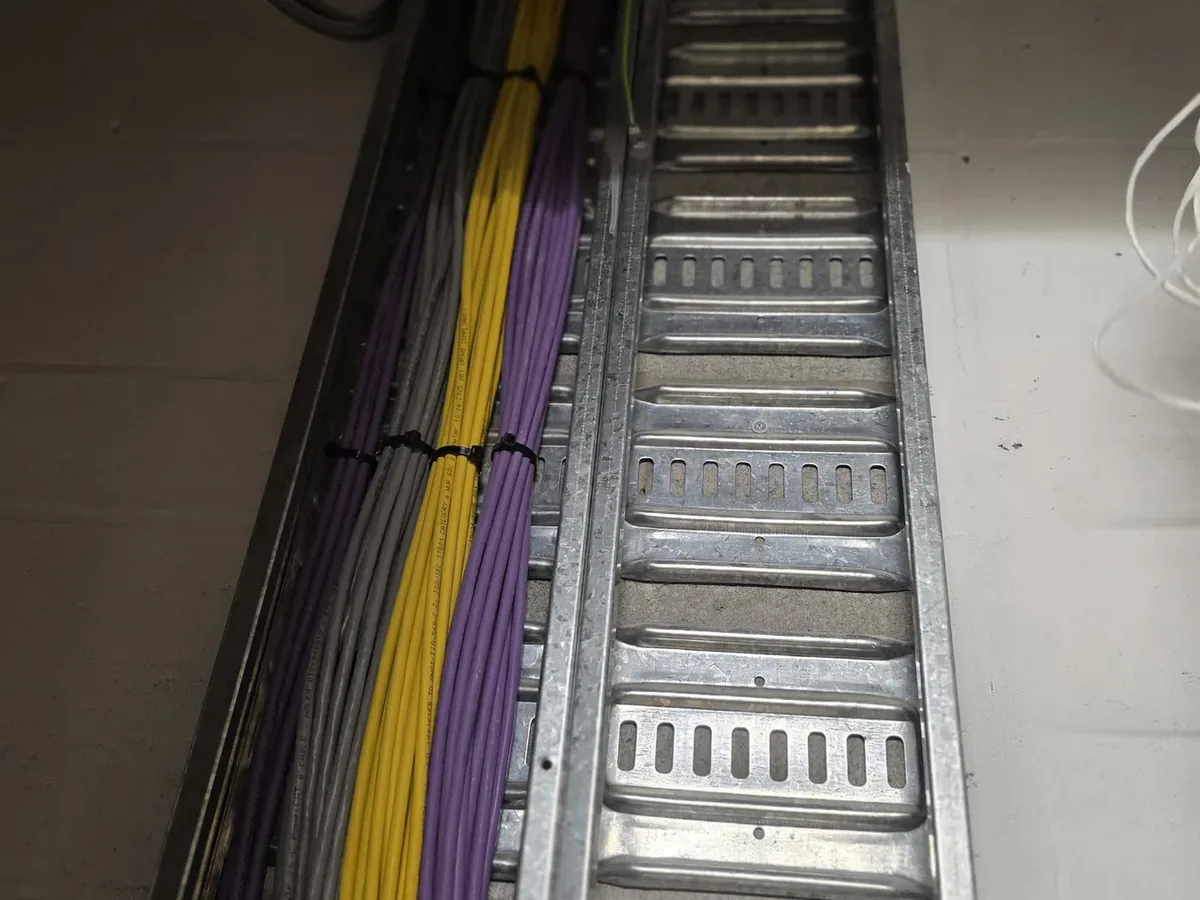
These photographs show genuine telecommunications and network installations completed by CoreComms. Customer details and site identifiers are never shown.
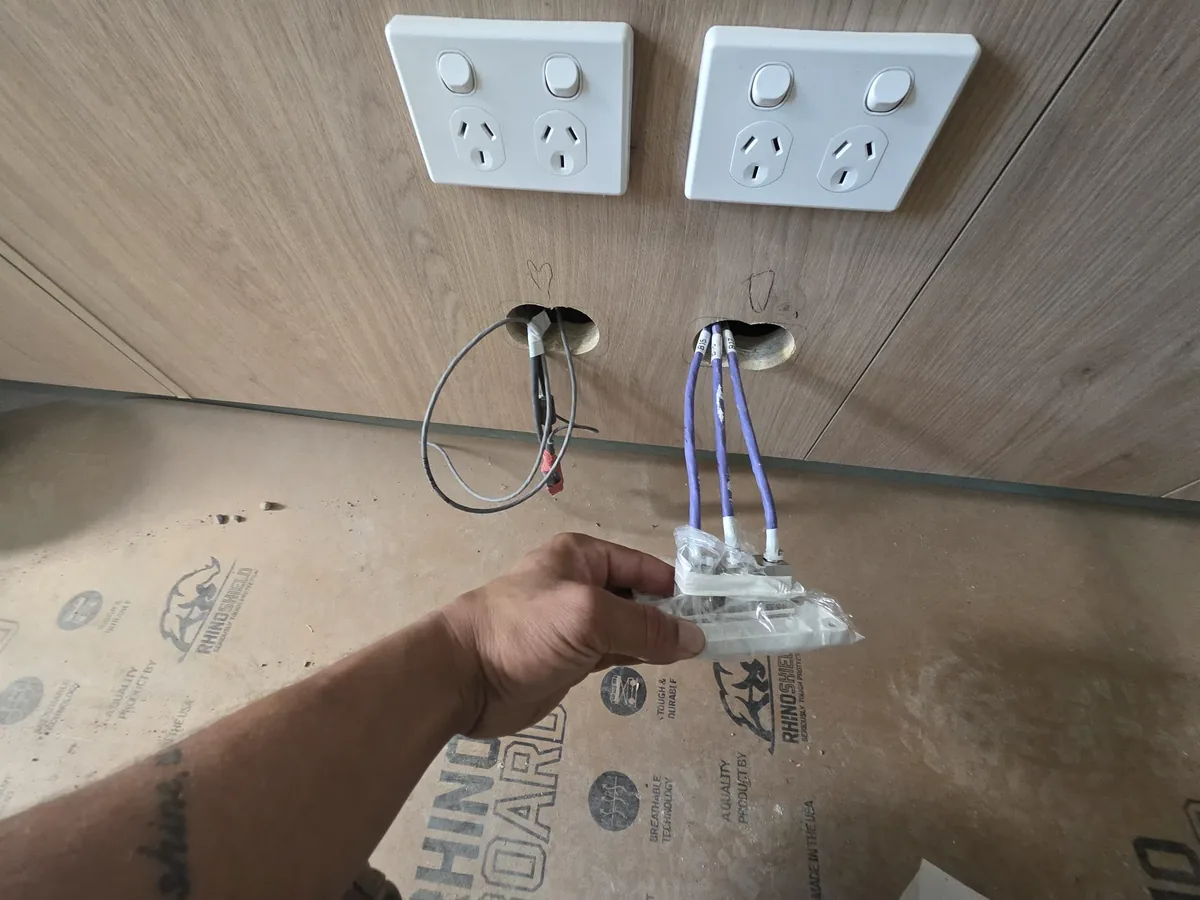
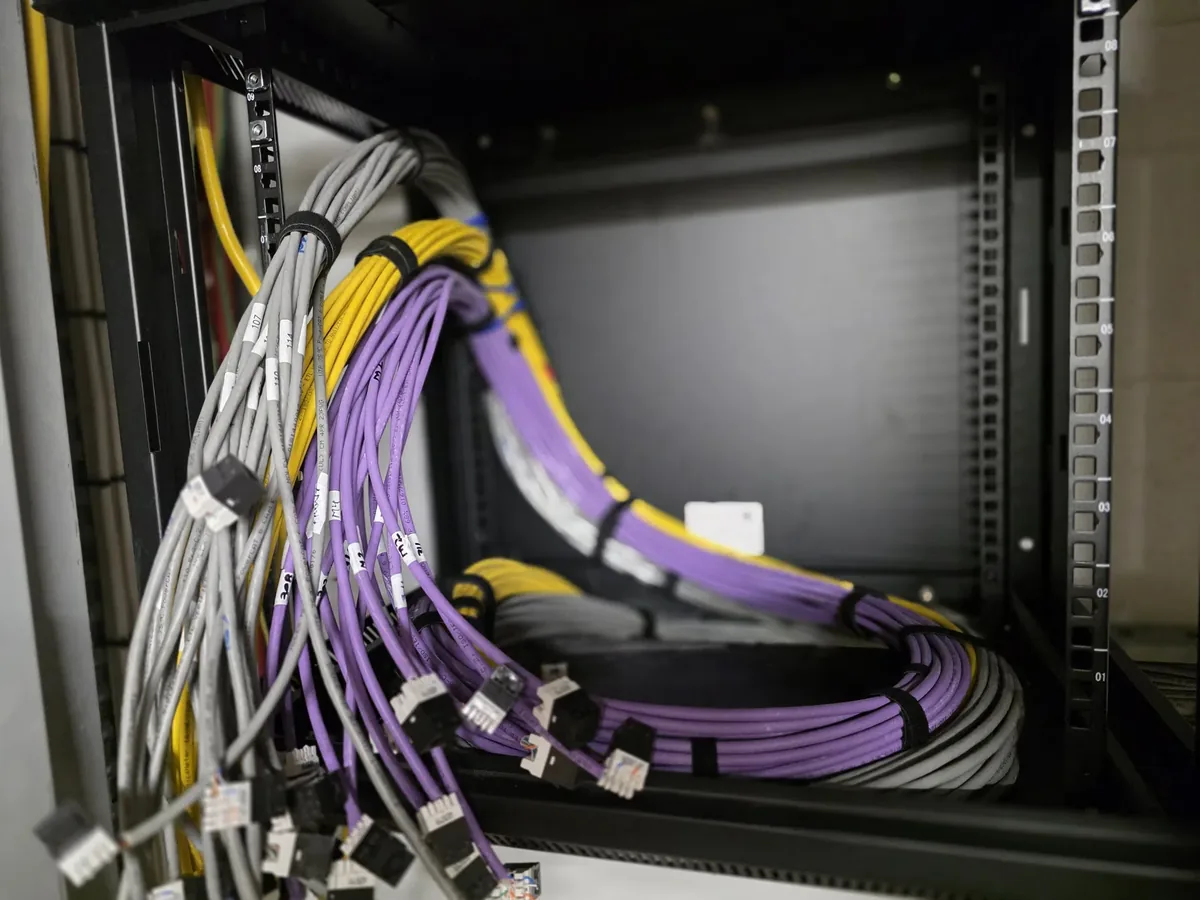 Network infrastructure
Network rack and patching installation — commercial premises
Small business networking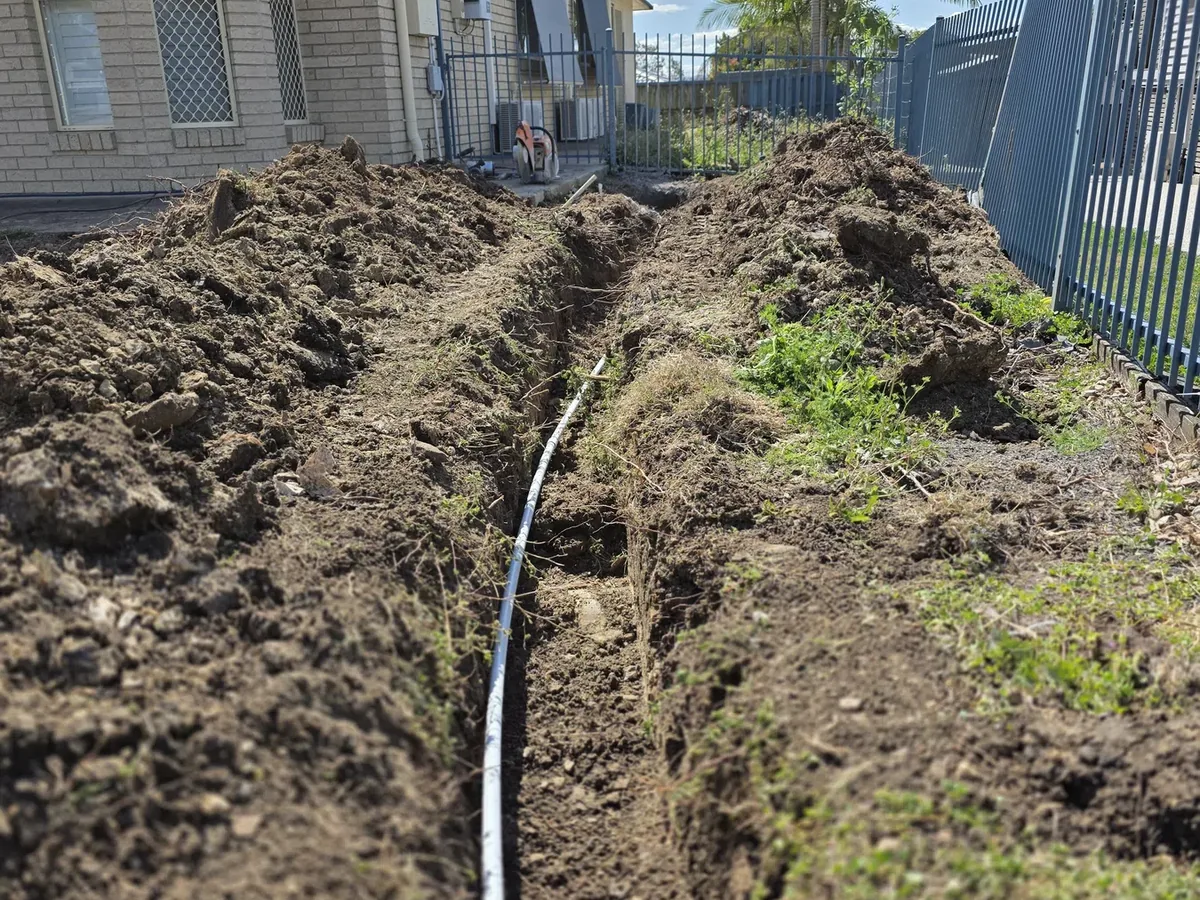 Underground conduit
Underground telecommunications conduit installation
Underground trenching and conduit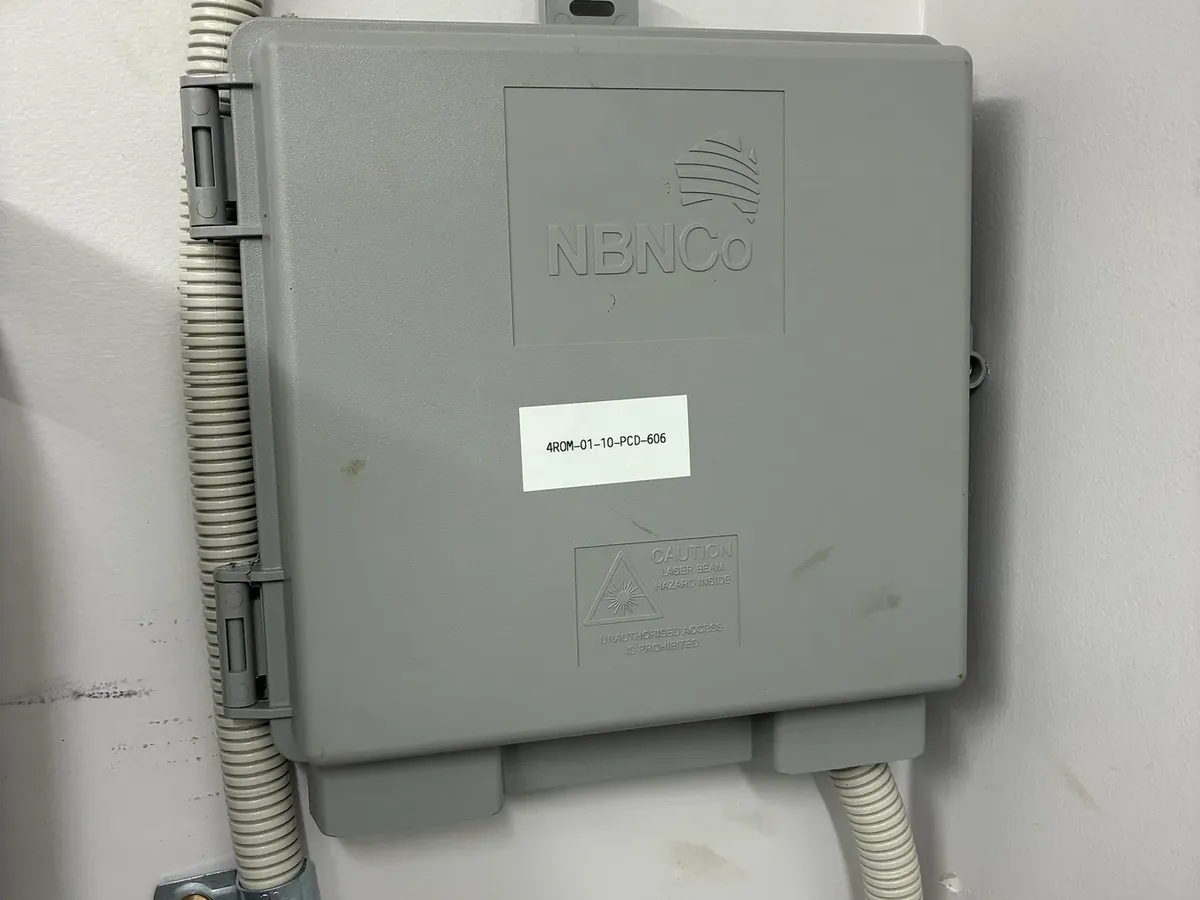 NBN relocation
NBN internal cabling and relocation work — South East Queensland
NBN relocation services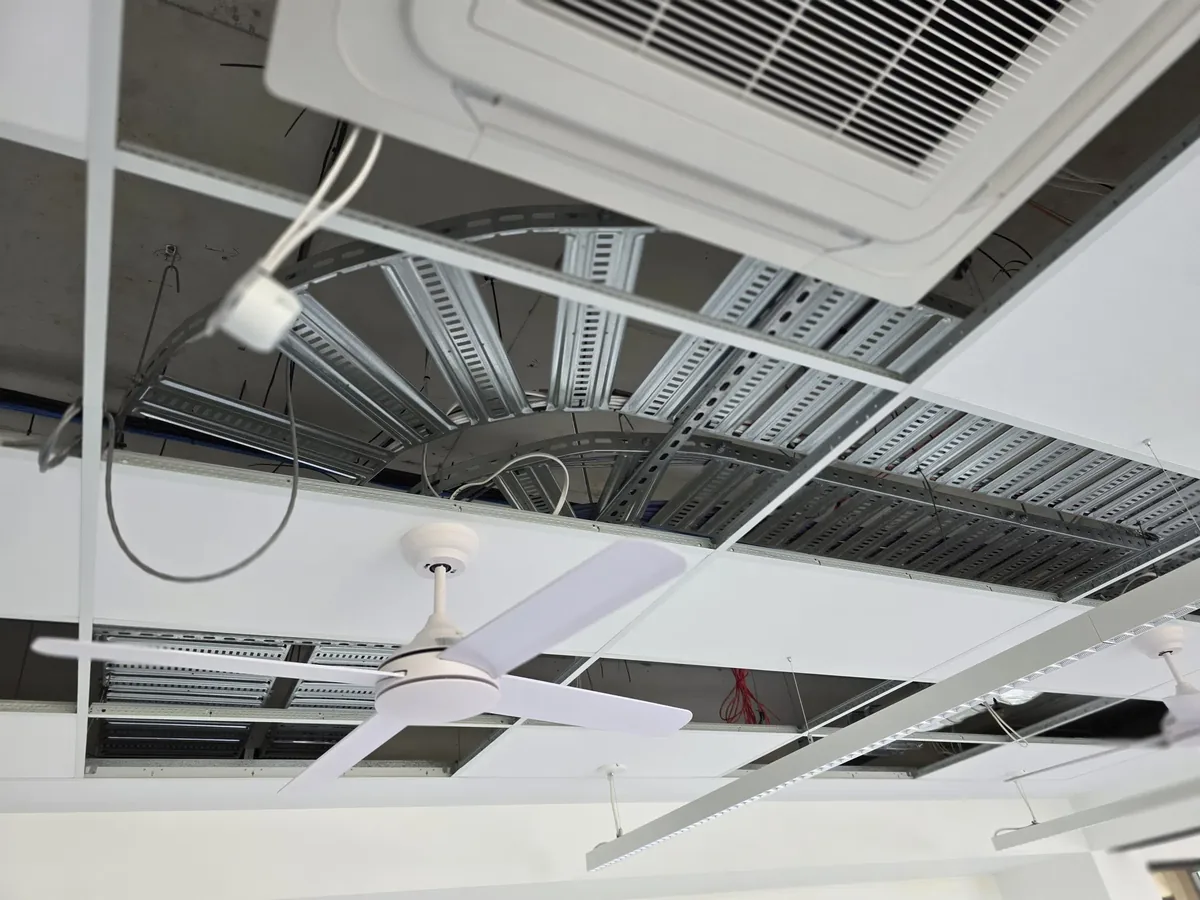
A simple, transparent process
- 01Get in touch
Call or request a quote online.
- 02Site check
Free phone consult or brief site visit.
- 03Fixed quote
Written quote — no surprises.
- 04Installed & tested
Delivered, tested, documented.
What this service is
Wireless access points give reliable Wi-Fi throughout a property when a single router isn't enough. Unlike wireless mesh systems, dedicated access points are fed by Ethernet cabling, which keeps the wireless capacity available for your devices instead of being consumed by inter-node traffic.
Problems it solves
- Wi-Fi is unreliable at the far end of the house or upstairs
- The current router is in a corner and coverage suffers everywhere else
- Mesh has been tried and speeds still drop under load
- A commercial or retail space needs even coverage across the floor
What you need to know before you book
Access points versus extenders and mesh
CoreComms provides wireless communications and Wi-Fi installation in Brisbane and throughout our supported South East Queensland service area, for homes, offices and retail tenancies alike.
A wireless access point is a dedicated radio fed by its own Ethernet cable. Because its backhaul is wired, it delivers full throughput to every device connected to it. An extender or a wireless mesh node has to use the airwaves both to talk to your devices and to reach the main router, which is why throughput drops noticeably with each wireless hop.
For properties where cabling is possible — which is most of them — access points are the better outcome for the same or less money than a premium mesh kit, and they scale cleanly as you add coverage areas.
Placement, channels and roaming done properly
Placement is the single biggest factor in Wi-Fi performance. Access points belong in open central positions, ideally ceiling-mounted, not inside cupboards or behind televisions. Coverage areas should overlap slightly so devices hand over cleanly as you move, but not so much that units interfere with each other on the same channel.
We set channel plans and power levels deliberately rather than leaving everything on automatic, configure the same network name across units so devices roam without dropping, and separate guest or smart-device traffic where that is useful. In apartments and busy commercial strips, channel congestion from neighbouring networks is a real factor and worth tuning for.
- Ceiling-mounted central positions outperform shelf or cupboard placement
- Power over Ethernet means one cable for data and power to each unit
- Consistent SSID and tuned channels allow seamless roaming
- Outdoor-rated units for alfresco areas, pools and sheds
- Guest and device networks separated where required
Coverage for outdoor areas and awkward buildings
Queensland living happens outdoors as much as indoors, and internal access points rarely project usable signal through external walls to a patio, pool area or shed. An outdoor-rated unit under the eaves solves it properly and stands up to humidity and heat that indoor hardware will not.
Awkward buildings — heritage homes with lath and plaster, rendered blockwork, multi-level splits and tenancies with hard-set ceilings — need placement planned around the structure. We work from the floor plan, identify where cabling can realistically run, and place units to suit the building rather than the ideal.
Want even Wi-Fi coverage inside and out?
Call for a straight answer, or send the details and we'll come back with a written fixed quote.
Why customers trust CoreComms with this work
We plan and install single and multi-access-point systems for homes, offices, clinics, cafes and retail spaces across South East Queensland, including tuning existing installations that were deployed without a channel or placement plan.
- Placement planned against the floor plan and construction type
- Wired Ethernet backhaul to every access point
- Power over Ethernet used where the equipment supports it
- Channel plans and power levels configured deliberately, not left on auto
- Coverage verified on site before handover
Where this service fits
Residential
- • Whole-home coverage in a larger single-storey or multi-storey house
- • Coverage that extends to the outdoor entertaining area, pool or shed
- • A dedicated access point in a media or gaming room
Business
- • Office coverage across meeting rooms, kitchens and open desks
- • Retail, cafe and hospitality Wi-Fi for staff and customers
- • Medical, dental and clinic environments where reliable Wi-Fi is required room to room
What CoreComms can install, relocate, test or repair
- Access point placement planning based on the floor plan
- Ethernet cabling to each access point (wired backhaul)
- Mounting on ceilings or walls
- Configuration and SSID setup
- Single or multi-AP setups with roaming
Preparing for a quote
What to prepare
- • A floor plan or the property address so we can size the job
- • The rooms and areas where coverage is currently weakest
- • Whether the AP cabling can run through the roof space
- • Any preferred brand of access point (Ubiquiti, TP-Link Omada, etc.) — otherwise we'll recommend
Factors that affect the quote
- • Property size, layout and construction materials
- • Number of access points required for even coverage
- • Whether cabling can be run in the roof or needs conduit
- • Ceiling type — plasterboard is straightforward, hard ceilings may need surface mounting
- • Configuration complexity if VLANs, guest networks or roaming are required
Enquiry, inspection, installation
- Step 01Enquiry
Call us on 07 3130 0441 or send the quote form. Share the address, what you're trying to achieve and any photos of the current setup — this saves time on the site check.
- Step 02Assessment
For simple jobs we can quote from a phone consult. For anything with cable routes, wall types or trenching involved we prefer a brief on-site inspection so the quote is accurate.
- Step 03Written quote
You'll get a clear written quote covering scope, materials and any assumptions. We'll confirm availability and expected timing when you enquire.
- Step 04Installation and testing
Work is completed by a registered cabler, tested at the outlet and labelled where relevant. Cable routes are kept tidy and the work area cleaned up.
South East Queensland coverage
We work across South East Queensland — Brisbane, Gold Coast, Logan, Ipswich and Toowoomba, plus the surrounding suburbs. Travel is included in the written quote so there are no surprises.
Book this service in your area
Residential and small business telecommunications across greater Brisbane — from the CBD to the outer suburbs.
Reliable telecommunications from Coomera to Coolangatta.
Trusted local telecommunications across the City of Logan.
Practical service across Ipswich and the western corridor.
Cabling, networking and fault finding for homes and businesses across Toowoomba and the surrounding region.
Frequently asked questions
What's the difference between an access point and a mesh node?+
An access point has a wired connection back to the network, so it delivers full speed. A wireless mesh node shares its radio capacity between your devices and its link to the router, which reduces throughput with each hop.
Do access points need their own power outlet?+
Usually not. Most modern units use Power over Ethernet, so a single Ethernet cable carries both data and power from a PoE switch or injector in the comms cabinet.
Can I get Wi-Fi to my shed, pool area or granny flat?+
Yes — an outdoor-rated access point or a unit installed inside the outbuilding, fed by cable or fibre, gives proper coverage rather than a marginal signal bleeding through walls.
Will I need to change my Wi-Fi password or network name?+
Not necessarily. We can configure the access points to use your existing network name so devices reconnect automatically, or set up a fresh configuration if you would prefer a clean start.
Learn more before you book
Background reading on how this work is planned, installed, tested and documented.
A practical look at how properly designed commercial Wi-Fi differs from a handful of retail access points bolted to the ceiling.
Read the guideHow Wi-Fi standards, roaming behaviour and interference actually affect business wireless performance, and when a cable is still the better answer.
Read the guideA guide to designing a business network that grows with the business, covering wired infrastructure, segmentation, redundancy, VoIP and documentation.
Read the guideHow mesh Wi-Fi and wired access points actually differ, and when each is the right choice for a home or small office.
Read the answerYou might also need
Reliable home networking solutions — internet relocations, routers, switches and complete home network installs.
Learn moreComplete networking solutions for offices, retail, medical and commercial premises.
Learn moreProfessional Cat6 and Cat6A structured cabling installations for homes and small businesses.
Learn moreCommon questions
How many access points do I need?+
Depends on the size, layout and construction of the property. A rough guide is one AP per level in a standard home, plus extras for very open or very compartmented spaces.
Do access points need to be wired?+
Yes — that's what makes a dedicated AP different from a mesh node. Each AP has its own Ethernet feed, so wireless bandwidth is available to your devices rather than to inter-node traffic.
Which brands do you install?+
We work commonly with Ubiquiti UniFi and TP-Link Omada for prosumer and small business setups, and can install other brands on request.
Can you set up separate guest and staff Wi-Fi?+
Yes. Multiple SSIDs and basic VLANs are straightforward on business-grade access points and often recommended for small offices, retail and clinics.
Ready to book wireless access point installations?
Send us the details and we'll come back with a fixed quote.
Related services
Professional Cat6 and Cat6A structured cabling installations for homes and small businesses.
Reliable home networking solutions — internet relocations, routers, switches and complete home network installs.
Complete networking solutions for offices, retail, medical and commercial premises.
Professional fibre optic installation, termination, testing and fault finding.